2 January 2020

Designing an HMI program often involves a wide range of elements: communication with the device, planning the logic, calculating data, laying out the screen, the user experience, or even the hottest topic of the day, IIoT connectivity. How complex the program turns out depends on every link in that chain. Any one of those links working incorrectly can lead to unexpected results. Just as complex as developing a project is diagnosing and debugging it, which usually takes more time and effort. Happily, cMT Diagnoser comes to the rescue. Developed to diagnose cMT series models quickly, cMT Diagnoser makes project development more efficient, helping users get an overall picture of how the device behaves and find the causes of faults that appear on a cMT series HMI or Gateway.
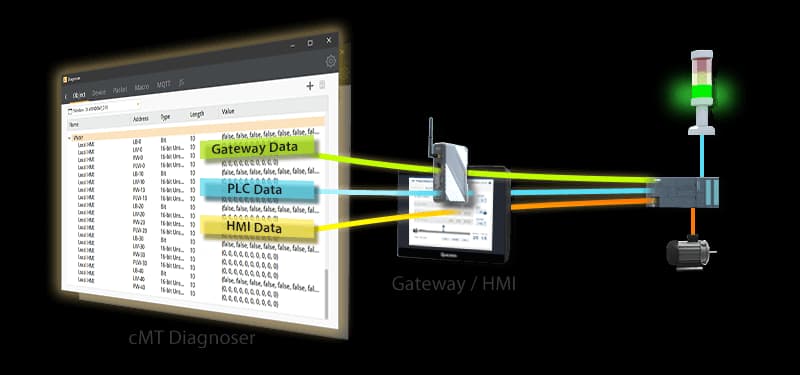
When cMT Diagnoser connects to an HMI, it immediately starts monitoring the data and the state of every object in the current window; it can also tell the HMI screen to change page and monitor another one. Meanwhile, addresses not explicitly used in the project can be monitored in a separate watch list, without having to change the project.
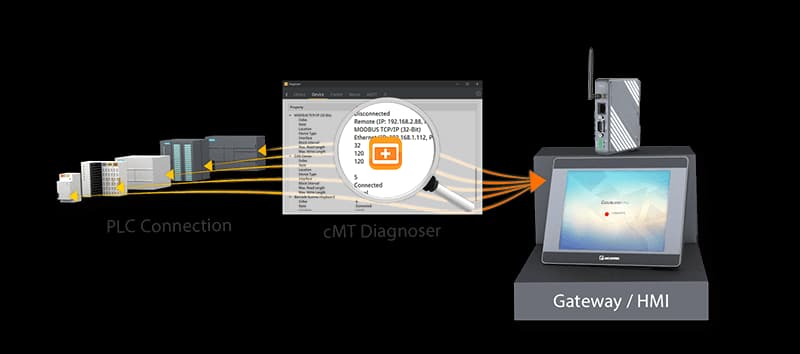
cMT Diagnoser can show not only the state of the connection with other devices, but the state of each individual communication packet. When communication errors occur, users can see them all.
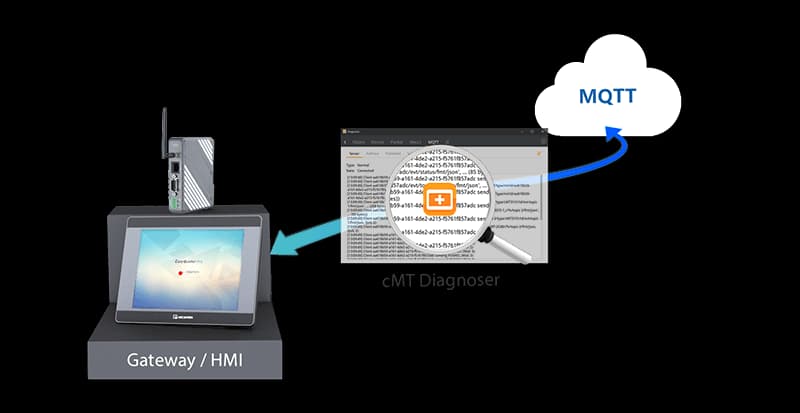
When MQTT is used, cMT Diagnoser can show the state of communication with the MQTT server, together with the operation logs. The details of every message published or subscribed to - its topic, its size, when it was sent or received, and its content - can be seen clearly with this tool.
Whenever a fault is found on the HMI, cMT Diagnoser is there to help users find its cause quickly and to keep debugging time to a minimum. Applicable models: the cMT series Applicable software version: EasyBuilder Pro V6.03.02 or later

